Adding an RSS feed to Mac OS X Mail
Learn how to add an RSS feed to mail. You can use this to automatically receive updates when blogs you like to read are updated.
Go to Blog
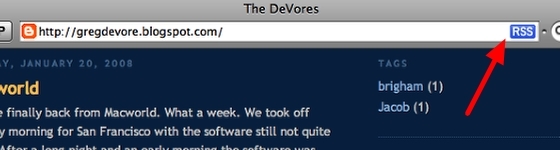
You should see the blue RSS if you are using Safari. This means that you can subscribe to this blog and have updates show up in Mac OS X mail.
Select URL
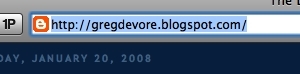
Select the full url.
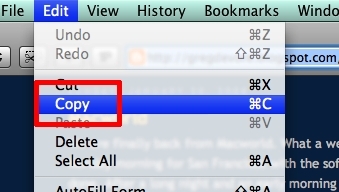
Copy
Go to Mail and Select Add RSS Feeds
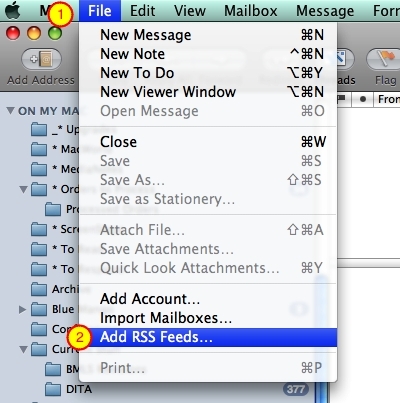
Select Add RSS Feeds from the File menu.
Enter URL
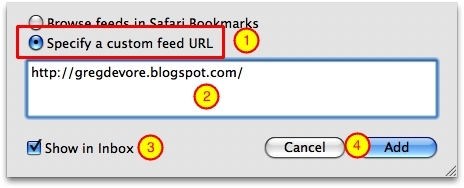
Select Specify a custom feed URL (1).
Paste the url into the field (2) and check Show in Inbox (3). Once you are done select Add (4).
Done
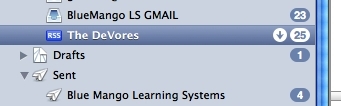
It will now show up in your Inbox. Whenever the blog is updated you see a message in your inbox.


No comments:
Post a Comment